Now Available on the App Store
ClockWyse App Icon

ClockWyse

Time Tracking for Construction

Track your hours with California labor law compliance built in. Prevailing wage support, automatic overtime calculations, shift differentials, and professional payroll reports — all from your phone.

One-Time Purchase · No Subscriptions · Works Offline
Download on App Store Contact Us

Six screens that run your day.

Clock in, track time, review payroll — all in one place.

ClockWyse Clock

Clock

One-tap clock in/out with live elapsed time. Green when idle, red when running.

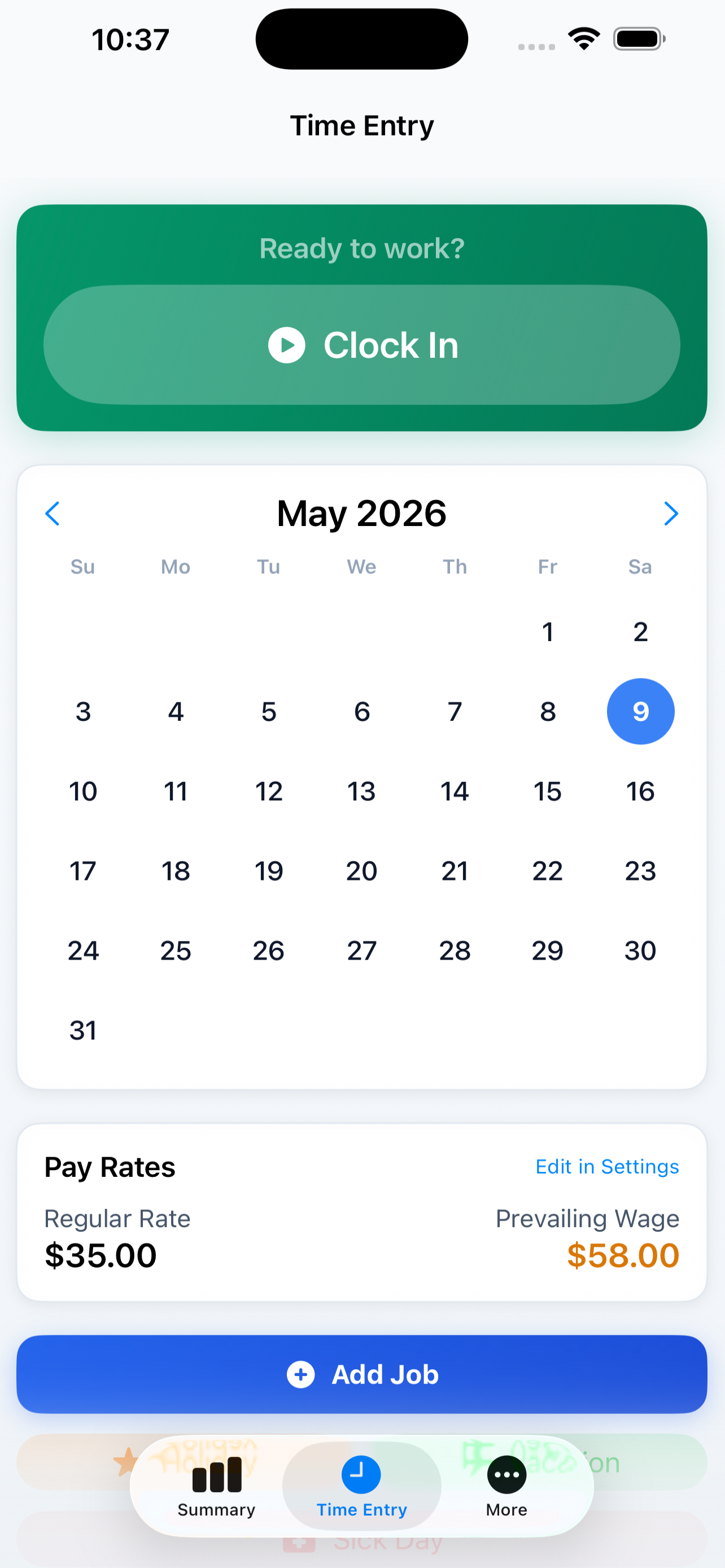
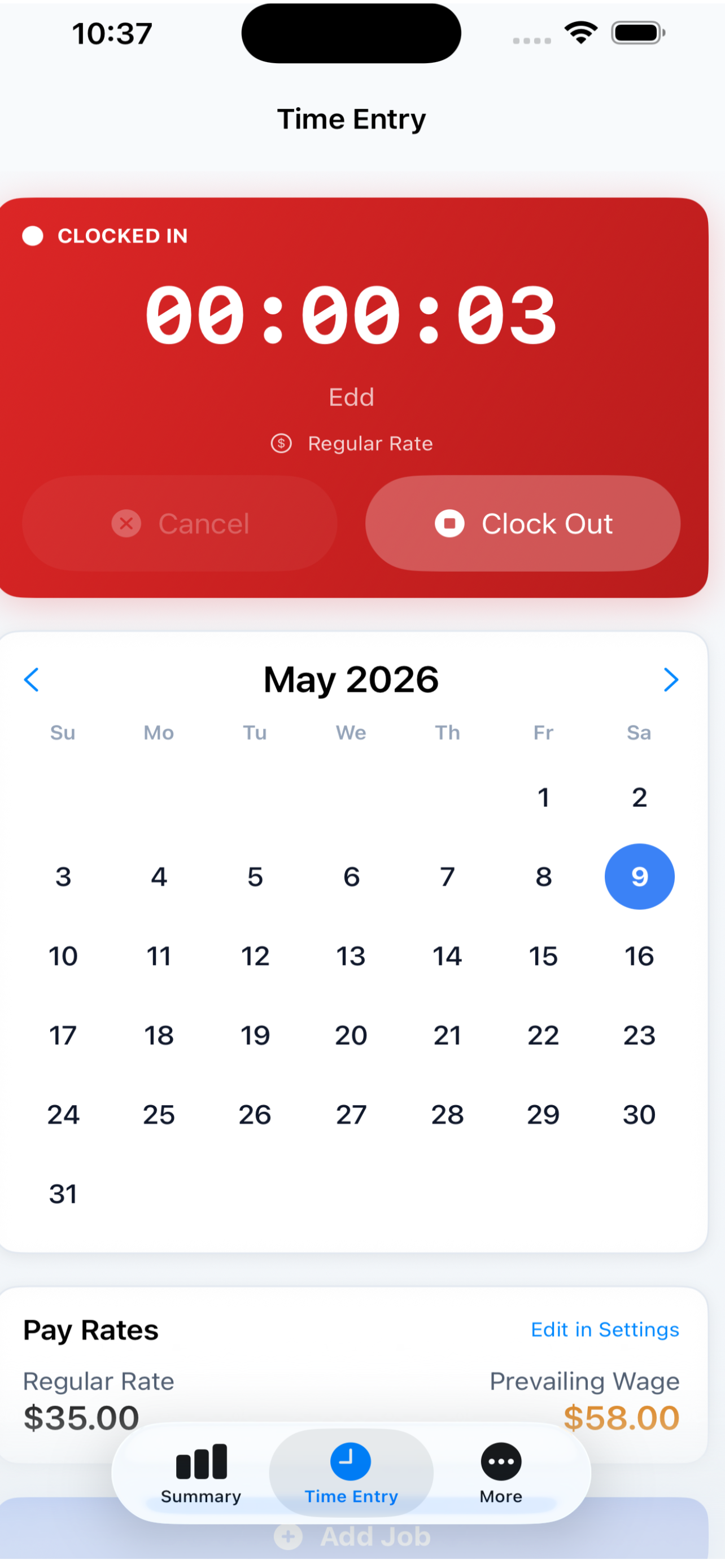
ClockWyse Time Entry

Time Entry

Log entries with project, classification, and pay rate. Quarter-hour rounding built in.

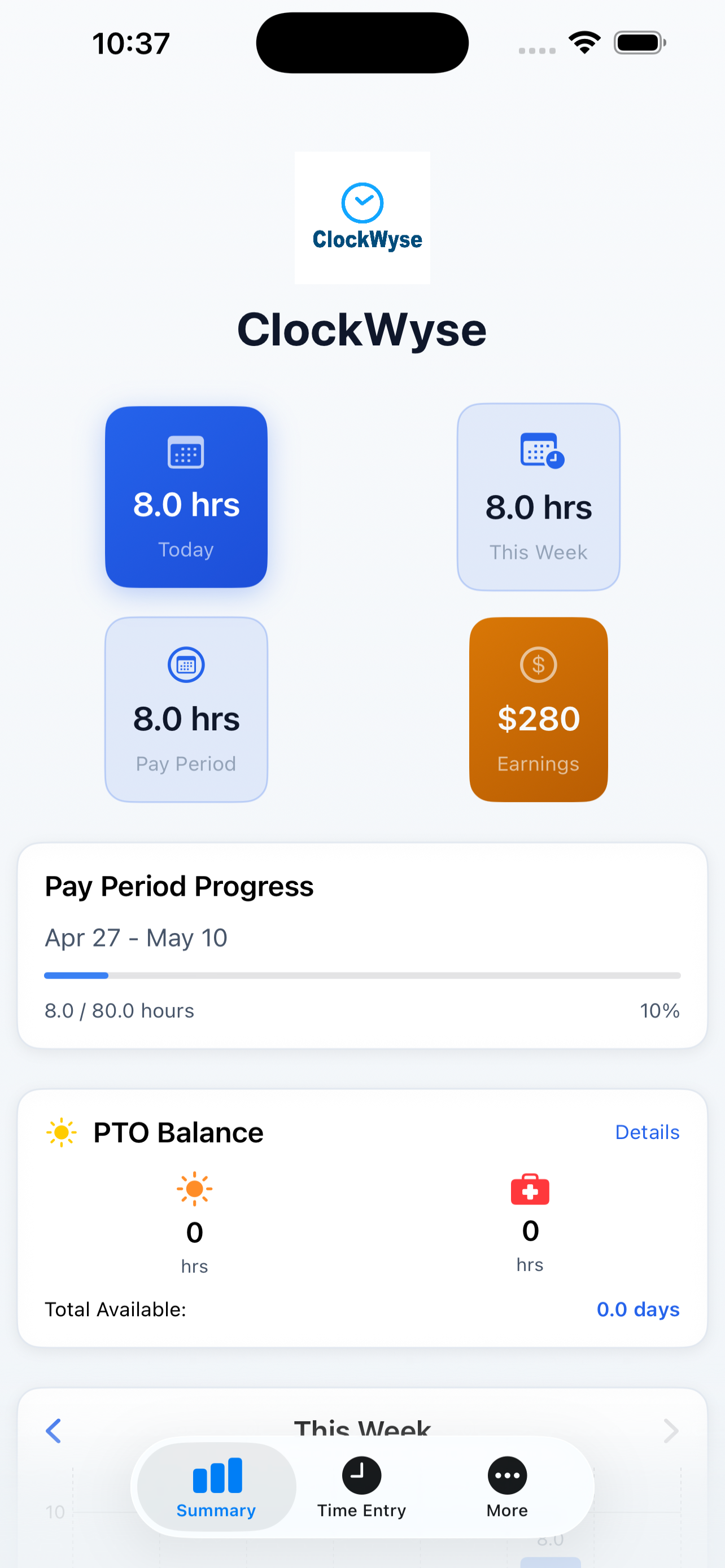
ClockWyse Summary

Summary

Today, this week, and pay period stats at a glance. Hours and earnings by rate type.

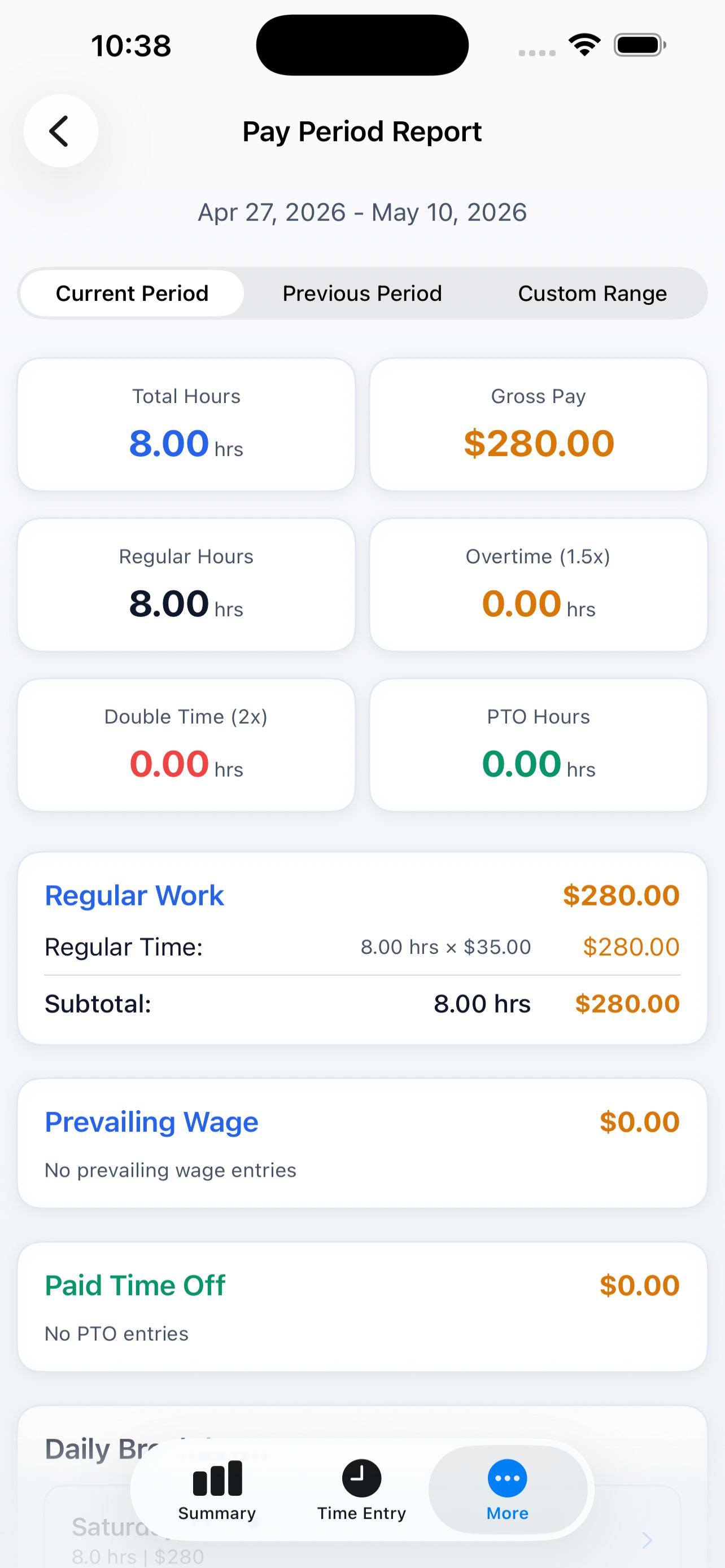
ClockWyse Payroll

Payroll

Professional payroll reports with OT/DT breakdowns. Export-ready for your employer.

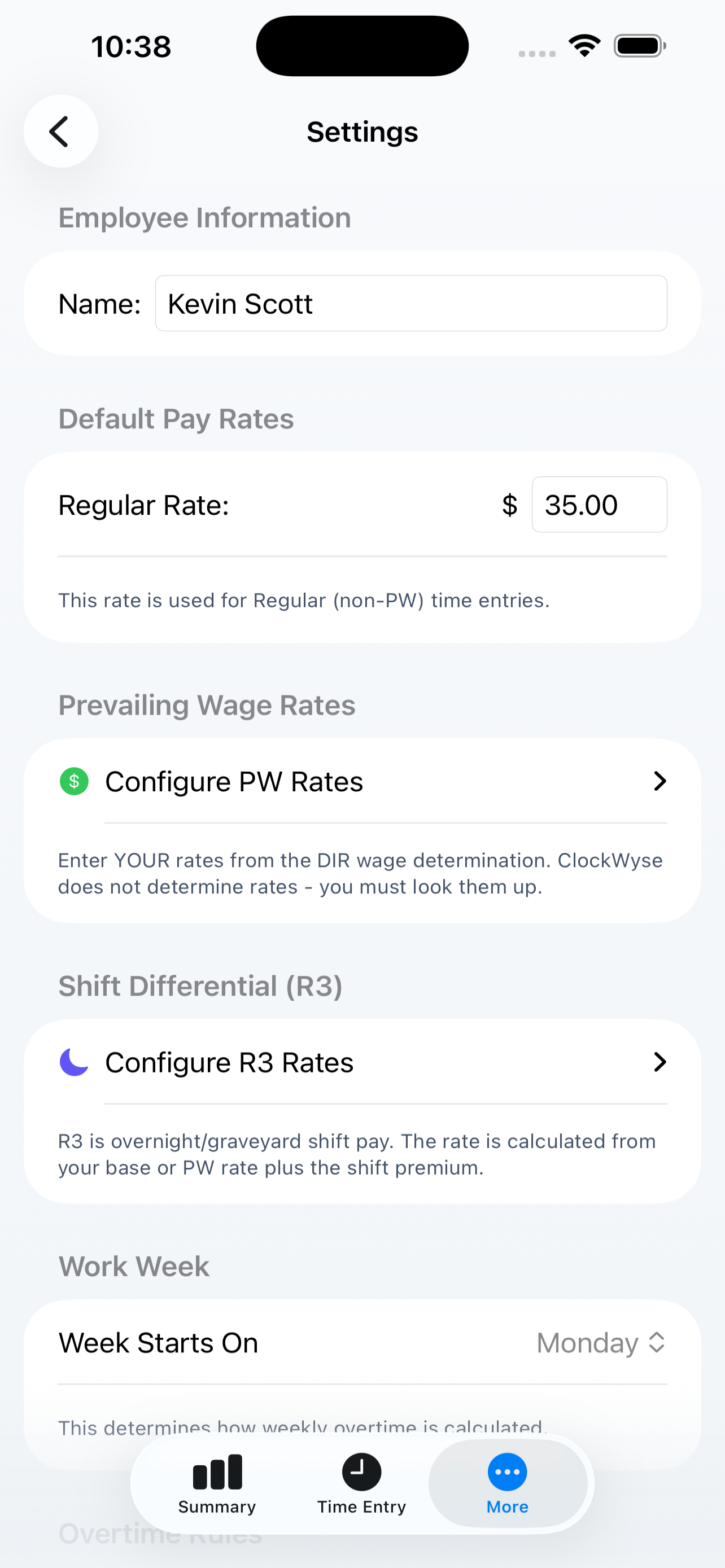
ClockWyse Settings

Settings

Configure OT rules, pay rates, prevailing wage classifications, and shift differentials.

ClockWyse Widget

Widget

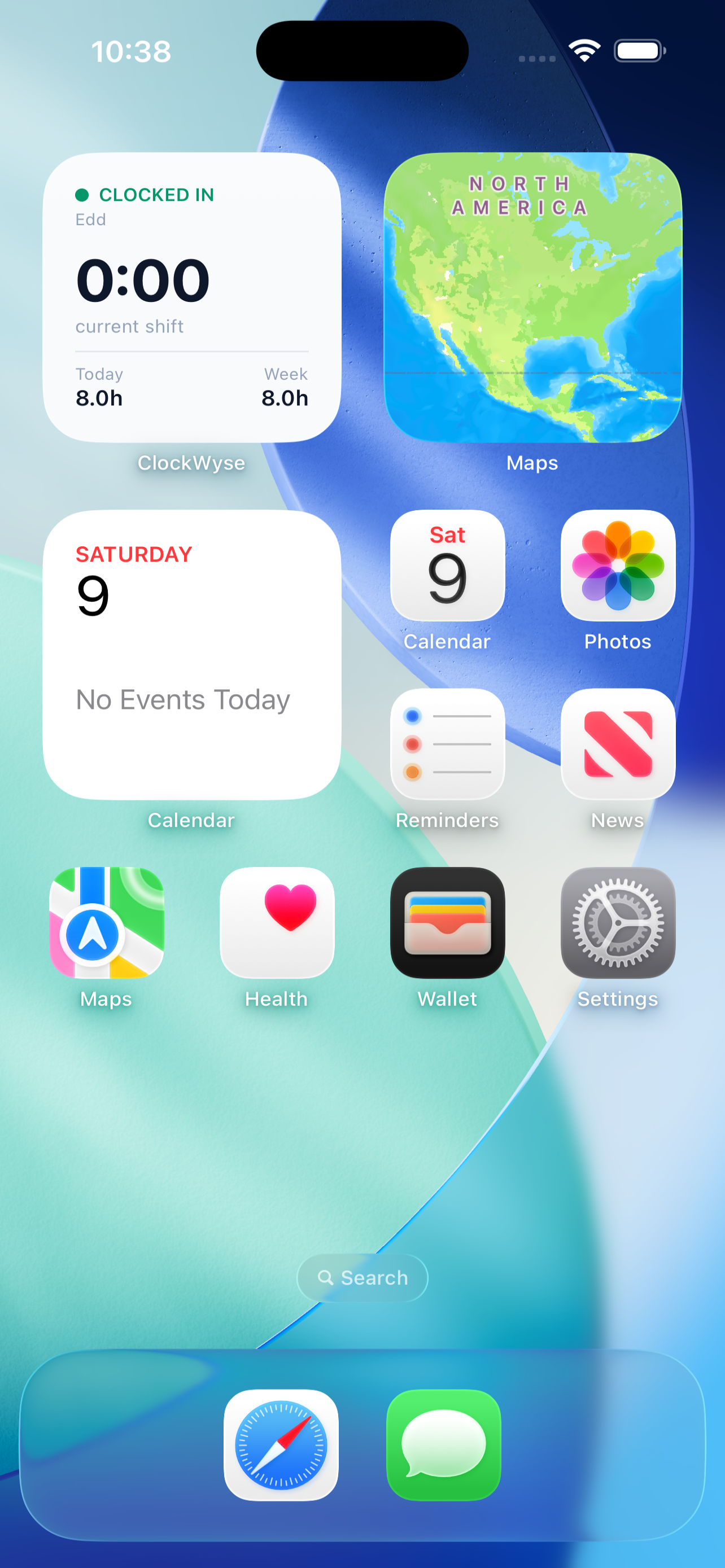
Home screen widget shows current status, hours today, and quick clock in/out.

How It Works

From clock-in to payroll in five steps.

1

Set Your Rates

Enter your regular hourly rate, or configure prevailing wage rates by region and classification. Set your overtime rule — California, Federal, Alaska, or Colorado.

2

Clock In

One tap to start your shift. The timer runs in the background and tracks your hours automatically. Or log entries manually if you prefer.

3

Track Your Week

ClockWyse automatically calculates daily and weekly overtime as you work. Regular, OT, and double-time hours are broken down in real time.

4

Review Your Pay

The Summary view shows your hours and earnings for today, this week, and the full pay period. Every calculation follows your state's labor rules.

5

Export Reports

Generate professional payroll reports with full OT/DT breakdowns by day and classification. Share with your employer or keep for your records.

Key Features

Built for the job site, not the office.

⚖️

California OT Compliance

Daily 8/12 hour thresholds, weekly 40-hour tracking, and 7th consecutive day rules — all automatic.

💰

Prevailing Wage

Per-region, per-classification rate sets with separate reg/OT/DT/holiday rates. NorCal, SoCal, and San Diego built in.

🌙

Shift Differentials

R3 night shift support with configurable OT thresholds. Day and night shifts share weekly OT tracking.

📈

Real-Time Breakdown

See your regular, OT, and double-time hours update as you work. Earnings calculated in real time.

📋

Payroll Reports

Professional reports with daily breakdowns by classification. Export-ready for payroll submission.

🕒

Quarter-Hour Rounding

All hours automatically rounded to the nearest 0.25 for payroll compliance. Industry standard.

📅

Bi-Weekly Pay Periods

Configurable pay period tracking with 80-hour targets. See your progress toward a full period.

🏗

Project Tracking

Assign time entries to specific projects and job sites. Track hours across multiple jobs.

📱

Home Screen Widget

Quick-glance widget showing current status, hours today, and one-tap clock in/out right from your home screen.

✈️

PTO Tracking

Holiday, vacation, and sick time tracking. PTO hours are excluded from OT threshold calculations.

☁️

iCloud Sync

Sync your time entries across iPhone and iPad via CloudKit. Your data follows you.

🔒

Works Offline

Everything runs locally. No internet needed on the job site. Syncs when you're back online.

Overtime Rules Supported

ClockWyse knows your state's labor law.

State Daily OT Daily DT Weekly OT
California After 8 hrs (1.5x) After 12 hrs (2x) After 40 hrs (1.5x)
Federal After 40 hrs (1.5x)
Alaska After 8 hrs (1.5x) After 40 hrs (1.5x)
Colorado After 12 hrs (1.5x) After 40 hrs (1.5x)

Frequently Asked Questions

Quick answers for construction professionals.

Is ClockWyse a subscription?

No. ClockWyse is a one-time purchase. Buy it once, own it forever. No monthly fees, no feature gates.

How does prevailing wage work?

Set your region (NorCal, SoCal, or San Diego) and classification (Master, Lead, or Installer). ClockWyse applies the correct reg/OT/DT/holiday rates automatically for each time entry.

Does it work without internet?

Yes. Everything runs locally on your device. Perfect for job sites with no signal. When you're back online, iCloud syncs your data across devices.

Can I track multiple projects?

Yes. Assign each time entry to a project and track hours across multiple job sites.

How accurate is the overtime calculation?

ClockWyse follows the exact labor code for your selected state. Daily and weekly thresholds are tracked together — regular and PW hours share the same OT thresholds, just like the law requires.

What about night shifts?

R3 shift differential is fully supported with configurable daily OT thresholds. Night shift hours share the weekly 40-hour threshold with day shifts.

Perfect For

Built by construction workers, for construction workers.

Download on App Store Contact Us